Your inbox
Your inbox is where news from the Kickstand team lands, along with any reply the team sends you directly. Only the Kickstand team posts there. Your chapter’s officers can’t.
Open your inbox
Section titled “Open your inbox”- On Home, tap the inbox icon at the top right, next to your picture. An orange number on it means you have unread messages.
- Or open the menu (three lines, top right) and tap Inbox. You can also go straight to the inbox.
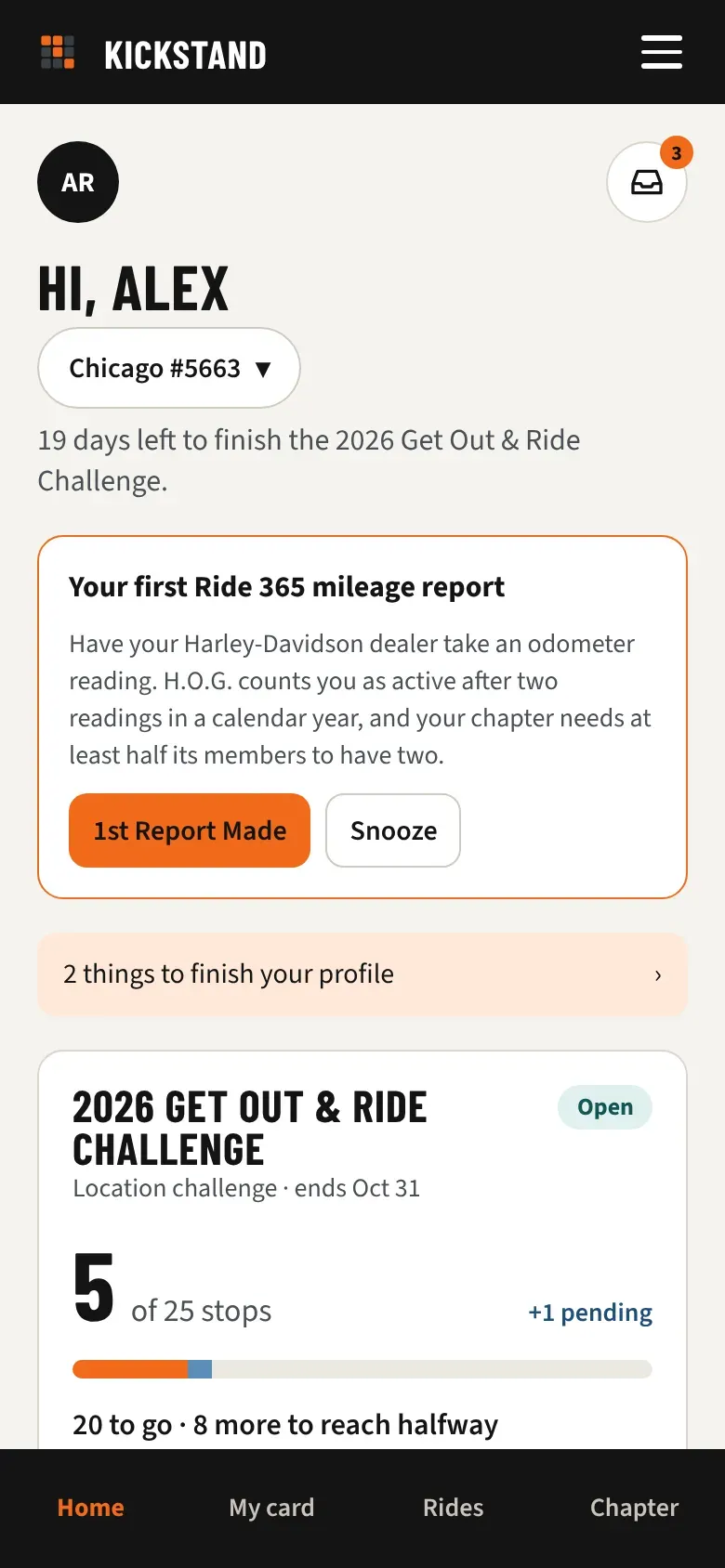
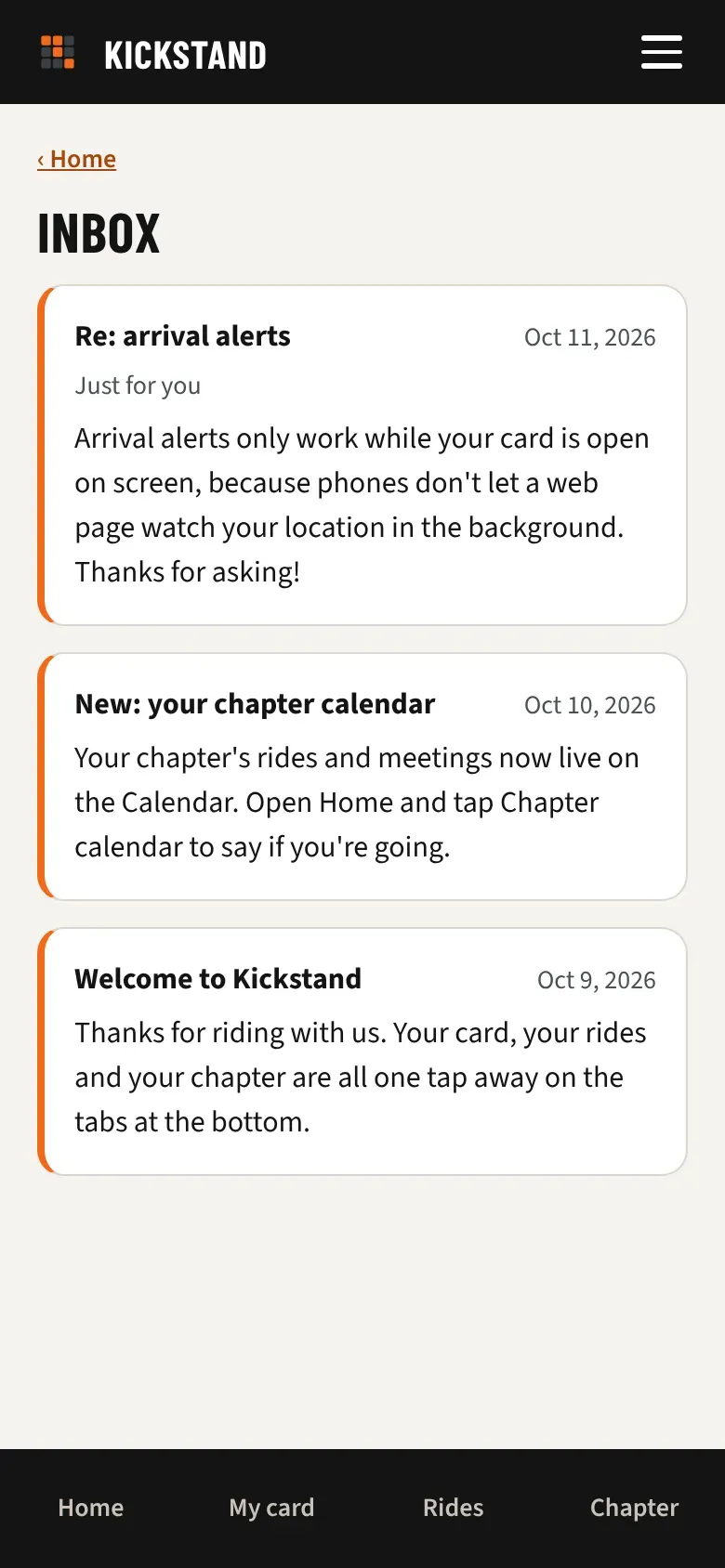
- Messages are listed newest first. Each one shows a title, the date, and the message.
- Unread messages have an orange bar down the left edge.
- Opening the inbox marks everything on the page as read. Tap ‹ Home and the number is gone.
Who a message is for
Section titled “Who a message is for”- A message to everyone goes to every rider.
- A message to a chapter goes to the members of that chapter.
- A message sent only to you has Just for you under its title, like a reply to your question.
Good to know
Section titled “Good to know”- With nothing yet, the inbox says “Nothing here yet. News from the app and replies to your questions show up here.”
- The inbox is for reading. There is no reply or delete button.
- The number shows on the icon on Home. The Inbox item in the menu has no number.
- The inbox keeps your latest 100 messages.