How riders see your ad
Riders see your ad in three places in the app, always with the word Sponsored above it. This page covers where, how an ad is picked, and what your Views and clicks numbers count. Ads reach riders after our team approves them. See Ad specs and the review process.
Where riders see your ad
Section titled “Where riders see your ad”- Home: partway down, above the National challenges cards. On a phone, a rider scrolls past the challenge cards to reach it.
- A stop page: the page a rider opens by tapping a stop on their card, where they take their photo. The ad sits at the bottom.
- Plan my rides: at the bottom of the ride planner.
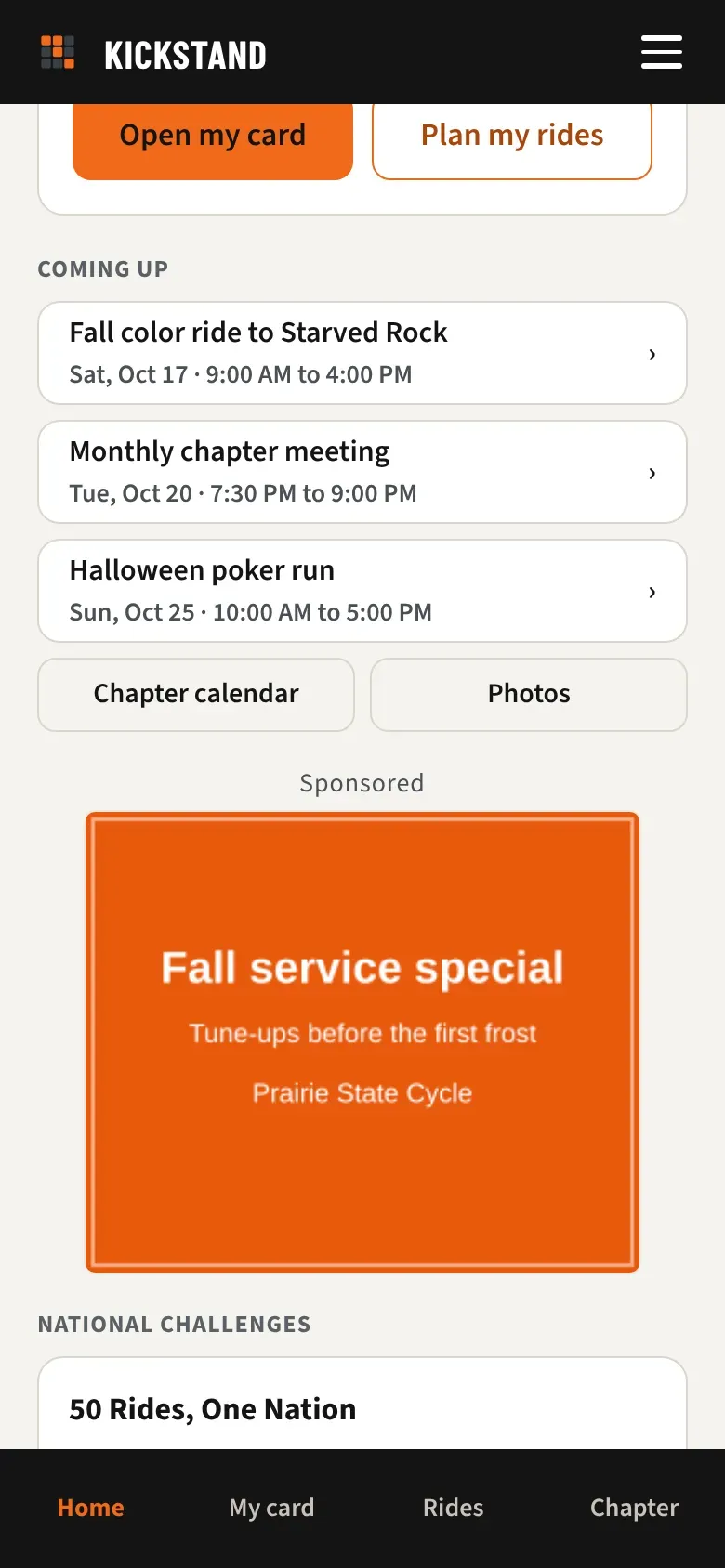
Each spot shows one ad at a time. Riders never see an ad on their bingo card (My card), in the photo review queue, on the sign-in screen, or anywhere else.
How an ad is picked
Section titled “How an ad is picked”Every time one of those screens opens, the app picks one ad. An ad can be picked only if it is Approved or Approved (limited), isn’t paused, and today falls between its Starts and Ends dates in the rider’s chapter’s time zone. It must also be the right size for that spot, and it must be meant for that rider. When our team sets you up, we choose whether your ads run for one chapter’s riders or for riders in every chapter.
Then the app works down this list:
- On a stop page, sponsors within 15 miles of that stop go first. The distance is in a straight line, and it needs your business location on file, which we add when we set you up. If several sponsors are that close, one is picked at random.
- Otherwise any ad that can be picked, at random. Home and the ride planner have no stop, so they start here. Every ad has the same chance, whoever uploaded it.
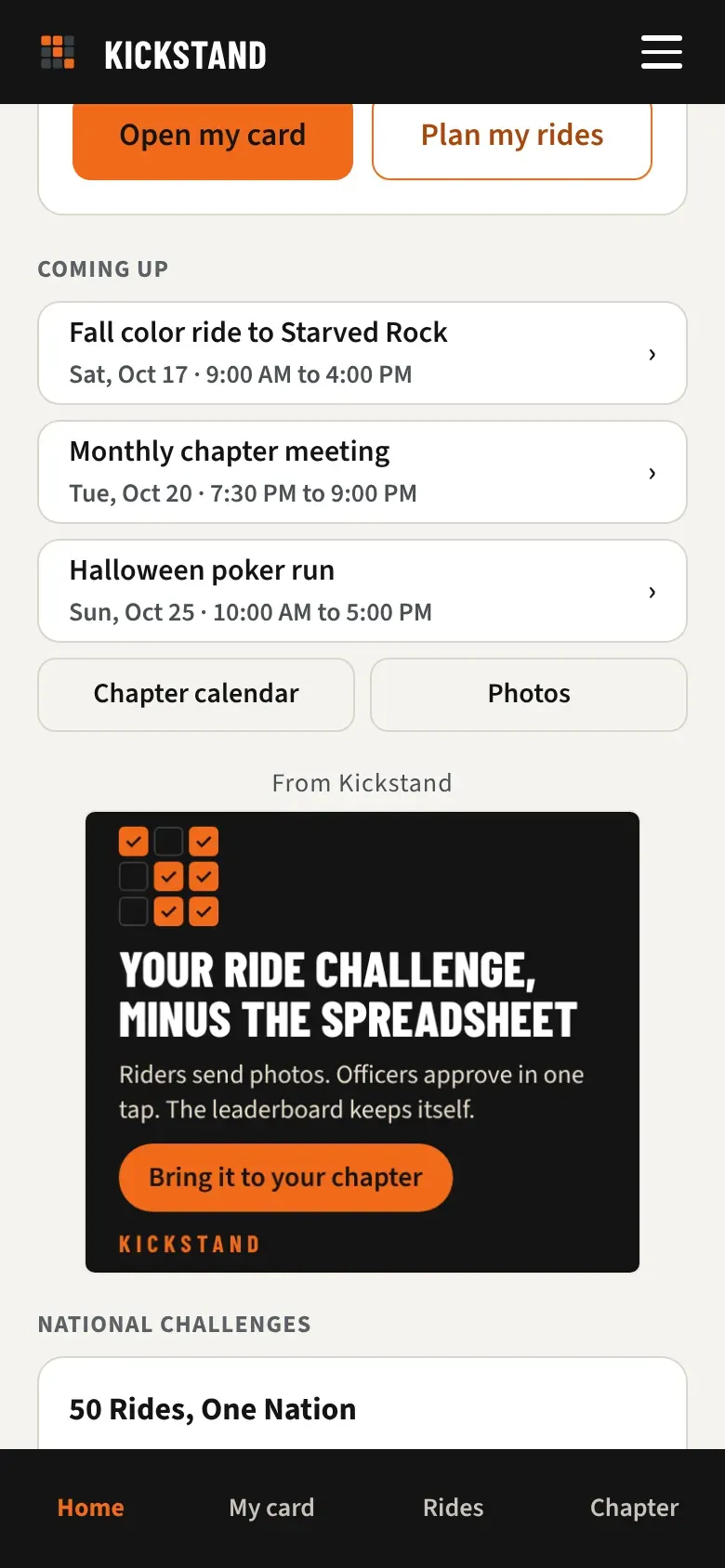
- If nothing fits, a Kickstand ad. It says From Kickstand instead of Sponsored, and it isn’t counted in anyone’s views or clicks.
On a national challenge stop, such as a Dealer Visits stop, only ads from sponsors who run in every chapter can be picked.
What counts as a view and a click
Section titled “What counts as a view and a click”- View: at least half your ad is on the rider’s screen for one second. A rider who comes back to the screen later can add another view.
- Click: a rider taps your ad. Every tap counts.
Your portal adds both up by month under Views and clicks. See Using your sponsor portal.
What the rider sees when they tap
Section titled “What the rider sees when they tap”Your link opens in a new browser tab, and the Kickstand screen stays open behind it. There is nothing in between. Your link has to start with https://.
Good to know
Section titled “Good to know”- Today the app asks for two sizes: 300 x 250 on Home and stop pages, and on phones in the ride planner, and 728 x 90 in the ride planner when the window is at least 760 pixels wide. An ad in 320 x 50 or 300 x 600 has no spot to appear in yet.
- You can’t pick the days, the time of day, or the riders. You see totals by month, never names.
- To pause an ad, change its dates, or change whether it runs for one chapter or all, use Contact us in your portal.